Content Calendar Planning: How to Plan a Month of Social Posts in One Afternoon

The number one reason small business social media accounts go quiet isn’t laziness — it’s that posting “when you have time” means posting never. Content calendar planning solves this with one simple trade: a single focused afternoon per month in exchange for thirty days of consistent, on-brand posts that publish themselves while you run your business.
We’ve set up this exact workflow for dozens of Southern California businesses — a Pasadena dental office, a Huntington Beach surf shop, a San Diego landscaping company — and the pattern holds everywhere. Owners who batch stay consistent; owners who wing it disappear by the 10th of the month.
Here’s the complete system: what goes in the calendar, the four-hour afternoon workflow, the tools that automate the rest, and how to keep it from becoming a robotic feed nobody wants to follow.
Why a Content Calendar Beats Posting on the Fly
Beyond saving your sanity, planning ahead makes the content itself better:
- Consistency — the algorithm and your audience both reward a steady rhythm; sporadic accounts get buried
- Balance — planning a month at a glance prevents accidentally posting five promos in a row
- Timeliness — holidays, local events, and seasonal pushes get content before the date, not a scramble the morning of
- Quality — batched photos and captions, written when you’re focused, beat parking-lot posts every time
- Delegation — a calendar is something an employee or agency can execute; “post good stuff” is not
Research roundups from Sprout Social consistently link documented content planning with better engagement and follower growth — not because calendars are magic, but because consistency is.
Step 1: Set Your Pillars and Cadence (30 Minutes, Once)
Before planning any single month, decide two things that rarely change.
Content pillars — 3–5 recurring themes every post fits into. For a Long Beach coffee roaster: the product (drinks, beans, food), the people (staff, regulars), the neighborhood (Long Beach events, nearby businesses), education (brewing tips), and offers. If you haven’t defined yours, our social media strategy guide walks through it.
Cadence — how many posts per week you can sustain on your worst week. For most owner-run accounts that’s 3–4 feed posts weekly plus casual Stories. Twelve to sixteen planned posts a month is the sweet spot: enough to stay visible, few enough to keep quality high.
Step 2: Block the Afternoon and Gather Your Anchors (45 Minutes)
Pick a recurring date — say, the last Friday of each month, 1–5 p.m. — and defend it like a client appointment. Then start the session by collecting next month’s “anchors,” the fixed points your content wraps around:
- Business events — launches, promotions, new services, hiring pushes
- Holidays and observances — both the big ones and the fun ones (National Taco Day is not optional if you’re a taqueria)
- Local happenings — farmers markets, festivals, the OC Fair, a Chargers home game, gallery night in Santa Ana
- Seasonal behavior — June gloom content for a coffee shop, pre-summer pushes for an Irvine fitness studio
Drop these onto the calendar first. A typical month has 4–8 anchors, which means a third of your content is already decided before you’ve brainstormed anything.
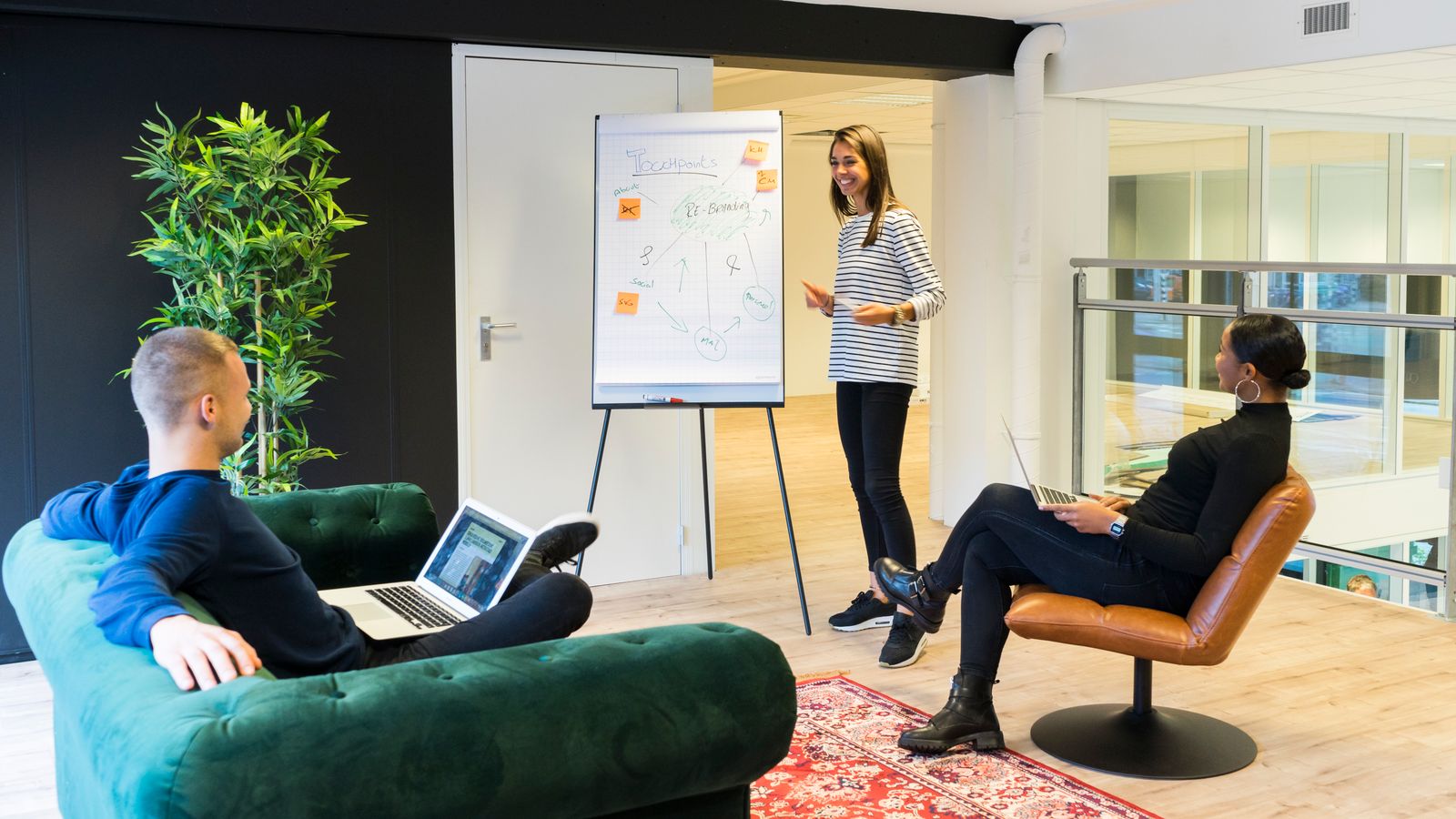
Step 3: Fill the Grid by Pillar (60 Minutes)
Now fill the remaining slots by rotating through your pillars so no theme dominates. A balanced week for that coffee roaster might look like:
| Day | Pillar | Format | Idea |
|---|---|---|---|
| Mon | Education | Reel | 30-second pour-over tutorial |
| Wed | People | Photo | Barista of the month |
| Fri | Neighborhood | Carousel | ”5 things to do in Long Beach this weekend” |
| Sat | Offer | Story + post | Weekend pastry special |
Keep the promotional pillar to roughly one post in five — the classic 80/20 balance that guides like Hootsuite’s recommend so your feed stays followable. For each slot, write just one line: pillar, format, and the idea. Don’t write captions yet; idea mode and writing mode are different brains.
Tip: Keep a running “idea bank” note on your phone all month. Customer questions, funny moments, before/afters you noticed — by planning day you’ll have ten ideas waiting and the brainstorm takes minutes.
Step 4: Batch the Content (90 Minutes)
This is the production block, and batching is where the time savings live.
Shoot once. One 45–60 minute session with your phone covers the month: products, workspace, team, b-roll for Reels. Natural light, vertical orientation, shoot more than you think you need. SoCal’s afternoon light through a storefront window is a free studio — use it.
Design fast. Templates in Canva turn raw photos into branded carousels and graphics in minutes. Build five reusable templates once (tip post, quote/review, promo, event, team intro) and every month after gets faster.
Write captions in one sitting. With ideas and visuals done, captions flow: hook first line, a sentence or two of substance, one call to action. Batch-writing also keeps your voice consistent across the month.
Step 5: Schedule Everything (45 Minutes)
Load the finished posts into a scheduler and you’re done until next month:
- Buffer — simple, affordable, great for solo owners
- Later — visual grid planning, strong for Instagram-first businesses
- Meta Business Suite — free native scheduling for Facebook and Instagram via facebook.com/business
Schedule for the times your insights show your audience is active (evenings and weekend mornings for most local consumer businesses). Platform-specific timing research from Later’s blog is a fine starting point, but your own analytics outrank any generic study.
Leave Room for Real Life
A calendar is a skeleton, not a cage. The businesses that win on social run roughly 80% planned, 20% spontaneous: the surprise rush, the celebrity walk-in, the marine layer finally lifting over the pier. Post those moments the day they happen — Stories especially should stay loose and live.
The calendar’s job is to make sure that when real life doesn’t hand you content, your account stays alive anyway. And keep 15 minutes a day for engagement — replies and comments can’t be batched, and they matter as much as the posts. According to Statista, users now routinely treat social messaging as a customer service channel, so an unattended inbox costs real money.
The One-Afternoon Recap
- 0:00–0:45 — Gather anchors: promos, holidays, local events
- 0:45–1:45 — Fill the grid by pillar, one-line ideas
- 1:45–3:15 — Batch: shoot, design, write captions
- 3:15–4:00 — Schedule the month and step away
Four hours, once a month. That’s the entire price of a consistent, professional social presence.
Want Your Calendar Built and Run for You?
Content calendar planning is the highest-leverage habit in small business social media — one afternoon buys a month of consistency, and consistency is what grows accounts. Run this workflow for three months and your feed (and your follower graph) will look like a different business.
If that afternoon still isn’t going to happen — you’re running the business, after all — our social media marketing services handle the entire system for Southern California businesses: strategy, calendar, content creation, posting, and monthly reporting. Reach out and we’ll show you what your next month could look like.